The Problem
More than 63% of our users were internal, and the intranet wasn’t working for them. The data and interviews with key stakeholders pointed to three problems: too many links, poorly organized information and no way to search for rarely used resources. Every user group had the same problems.
Data and usability studies showed that a tool for managing the resources would let us cut each intranet page down to its most important actions.
Goals
- Raise the user success rate from 65% to 75% or more.
- Cut the number of links.
- Make high-priority actions easier to see.
- Improve the information architecture.
- Build a searchable resource tool.
- Make the design consistent across sections, pages and products, so moving between them is less confusing.
- Make the design responsive on every device.
What I Did
- My UX research ran from discovery through launch, with interviews and studies of users. That showed where to focus and when to adjust the design strategy, and it confirmed the success rate was climbing toward the goal.
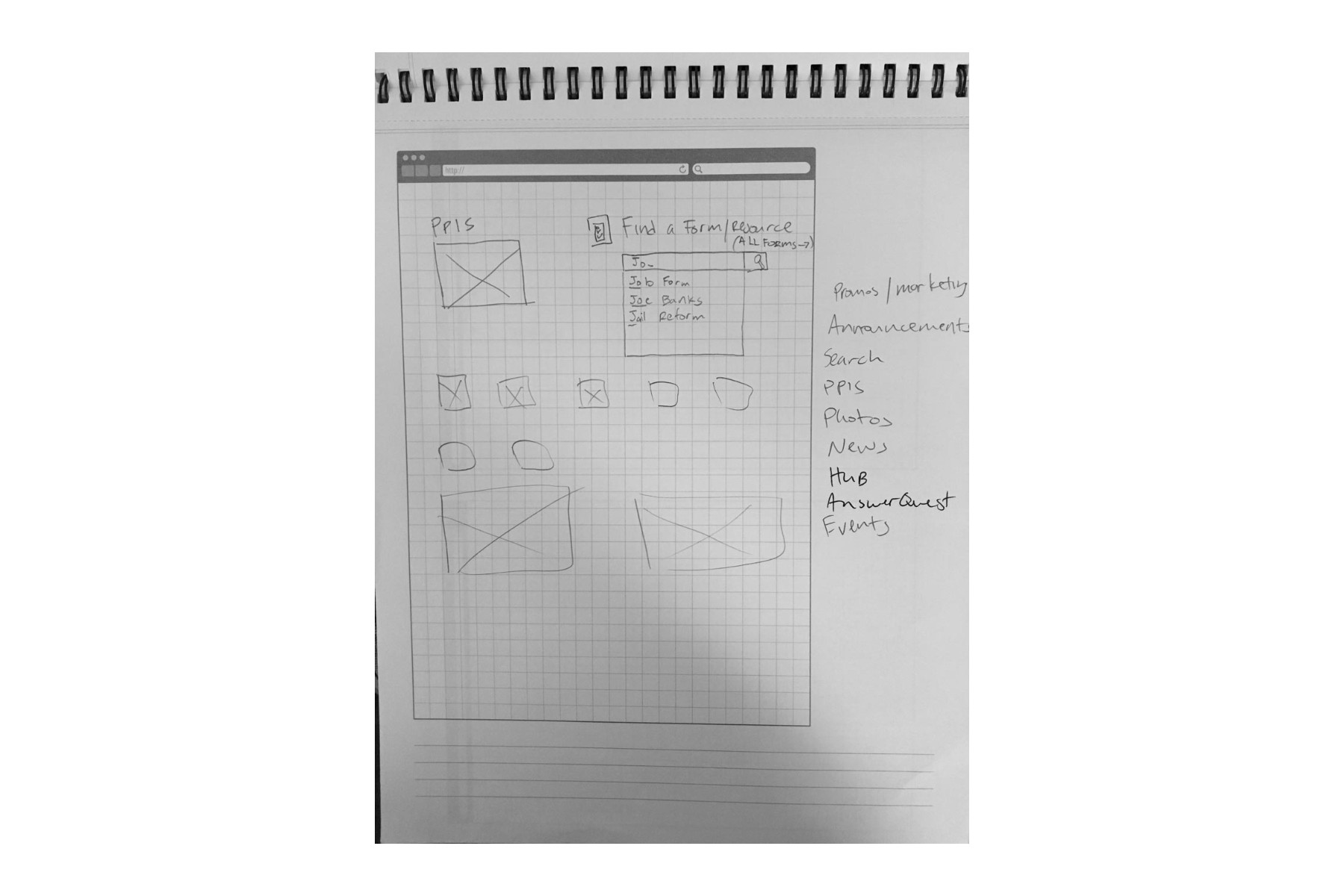
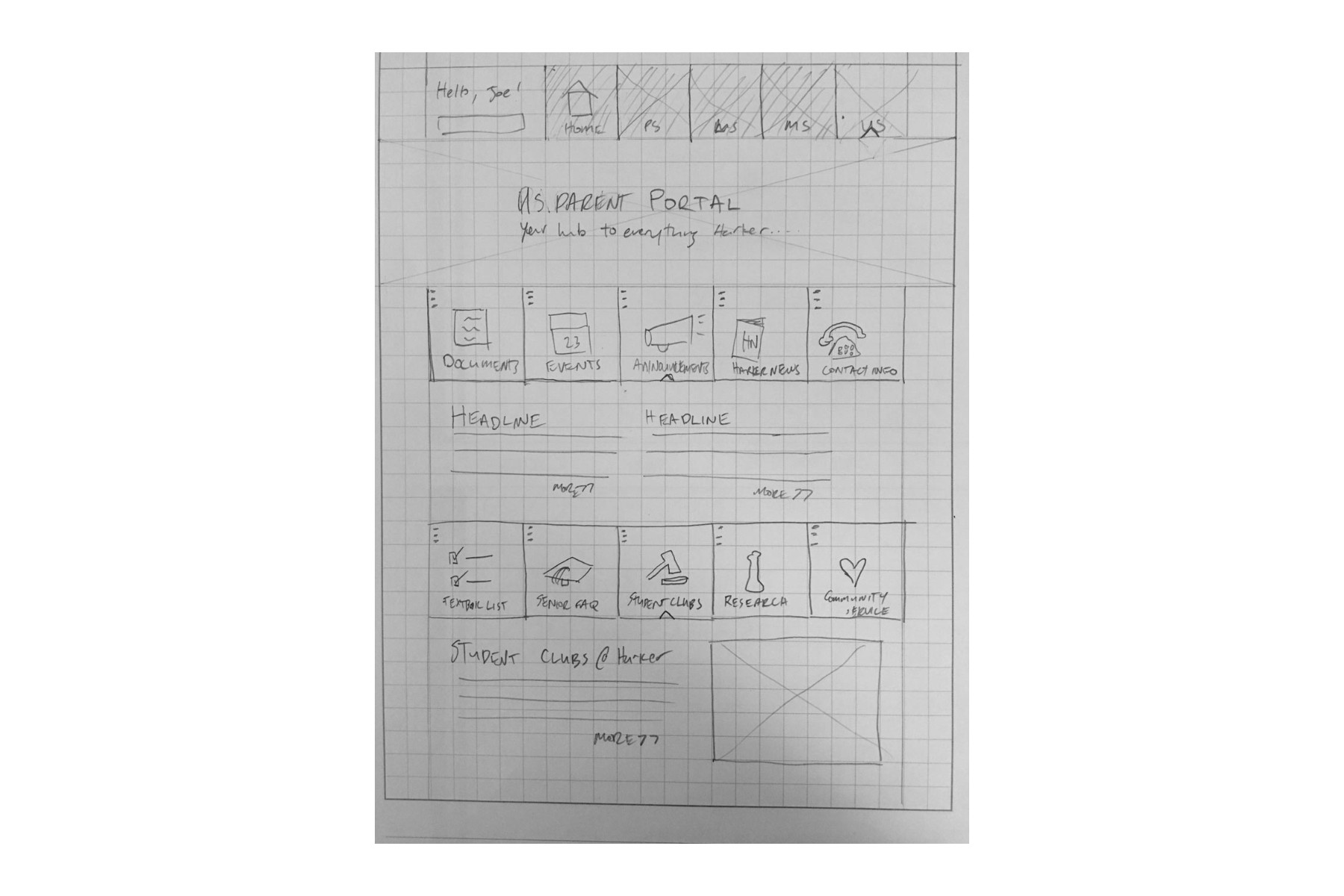
- A new resource tool with live filtering let users search for what they needed in several ways.
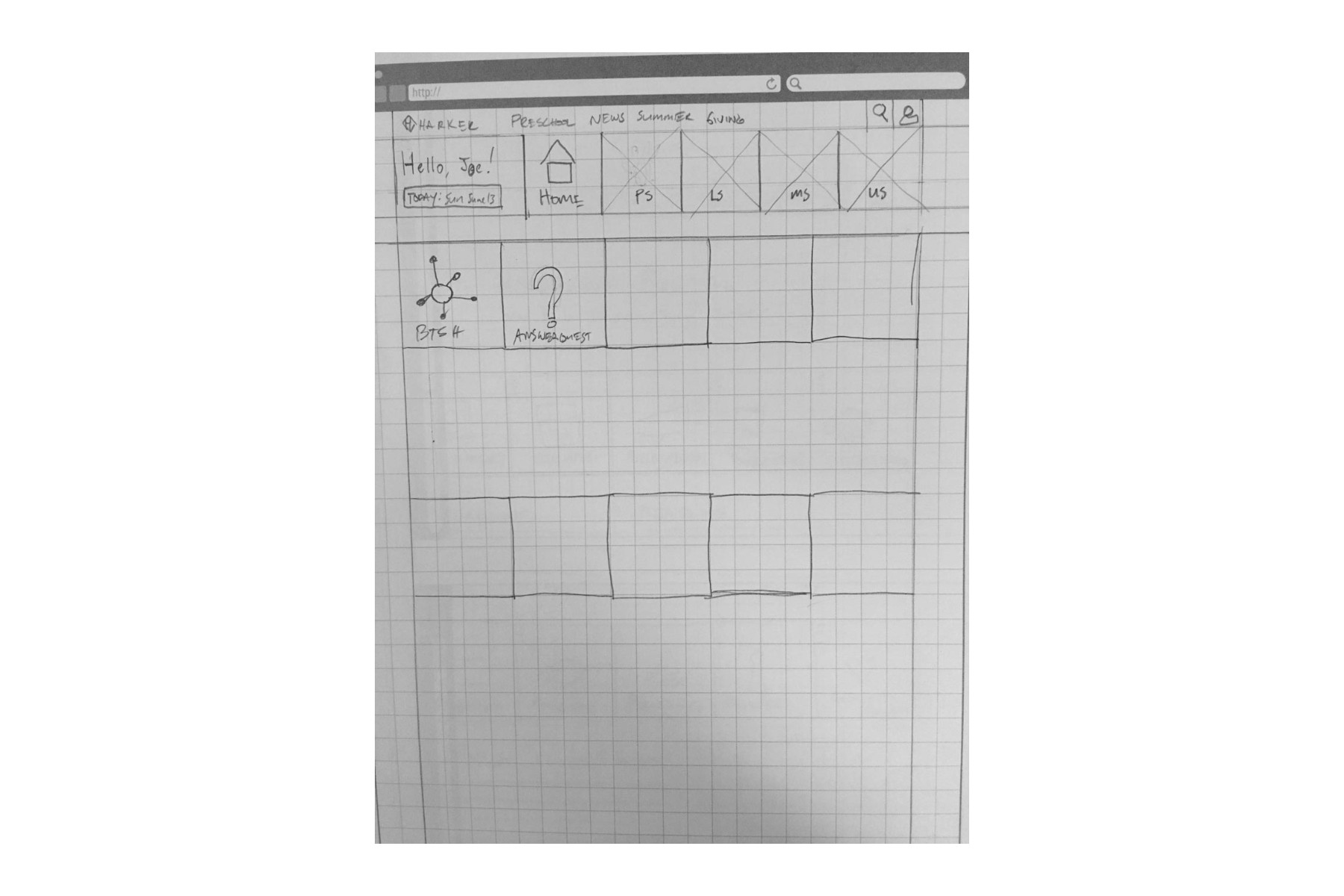
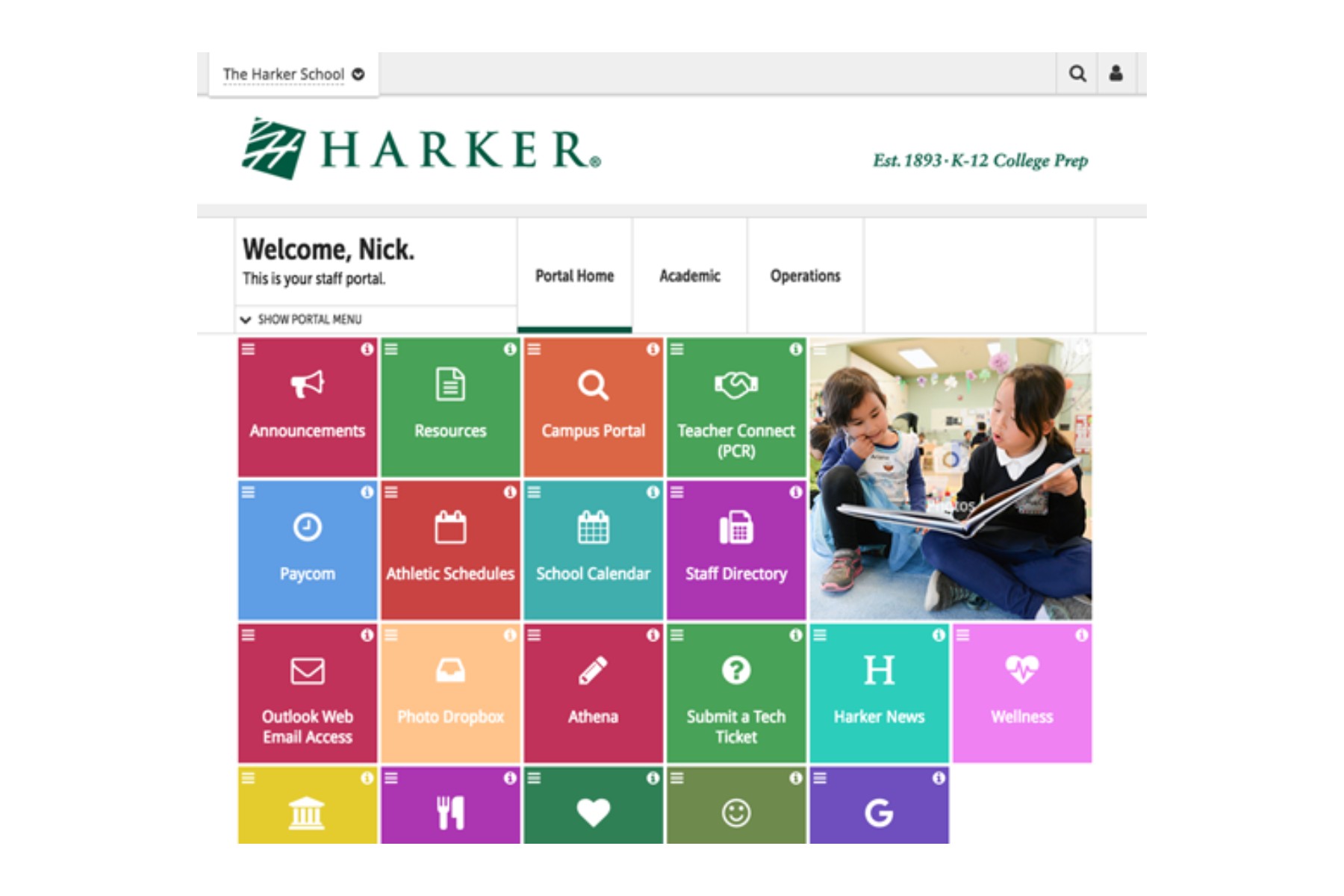
- A UI with fewer links on the landing pages made users’ most-used actions easier to find.
Testing and Results
Usability testing and interviews showed that most problems came from the number of links on each screen. The average intranet screen had grown to 50 links, and one had more than 80.
We set a goal of three to five screens per user scenario and no more than 20 actions per screen. To get there, we used data and user feedback to pick the actions that mattered most to each user group, then grouped the remaining links in the new resource tool. That let us add actions to a screen without breaking the limit. In post-launch tests, the new design averaged a success rate above 80%.
 (full size)