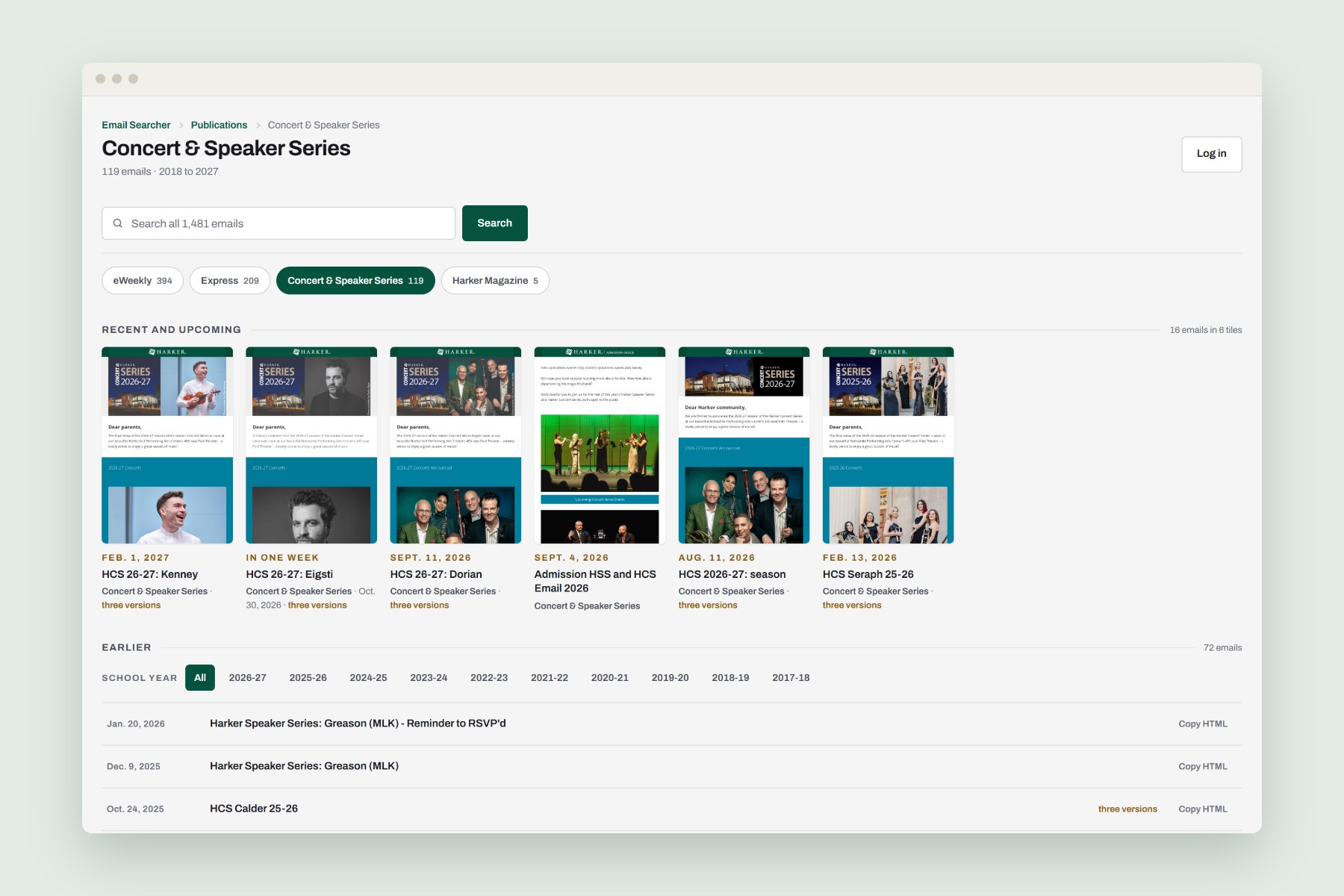
Why I Built It
After using other email design tools, I realized that we could build something better. In 2016 I designed a WordPress tool that let our editors stack modules into a campaign email, pick its header and footer banners, and get HTML ready for the mailing platform. Every email it builds is archived, so the school’s whole marketing email history lives in one place.
What’s In It
- Editors stack five module layouts and eight content elements, from headers and buttons to RSS feeds and calendars.
- A library of header and footer banners gives each kind of email a default pair.
- The weekly newsletter calendar fills itself in from the school calendar feed.
- The archive holds more than 1,400 emails, somewhere around 130 to 160 a school year since 2016.
As product manager, I was responsible for the strategy, the roadmap and the feature backlog, and I designed the UX and UI. In 2026 I came back to redesign the archive, this time with AI coding agents as my developers.
The Builder
Editors work right in WordPress. Each email is a stack of modules, each module holds columns, and each column holds elements like a header, text, an image or a button. The send details (subject, from line and reply-to address) live with the email, so when it’s ready, staff can copy its HTML straight into the mailing platform. The weekly eWeekly newsletter alone reached about 3,700 subscribers in 2026.
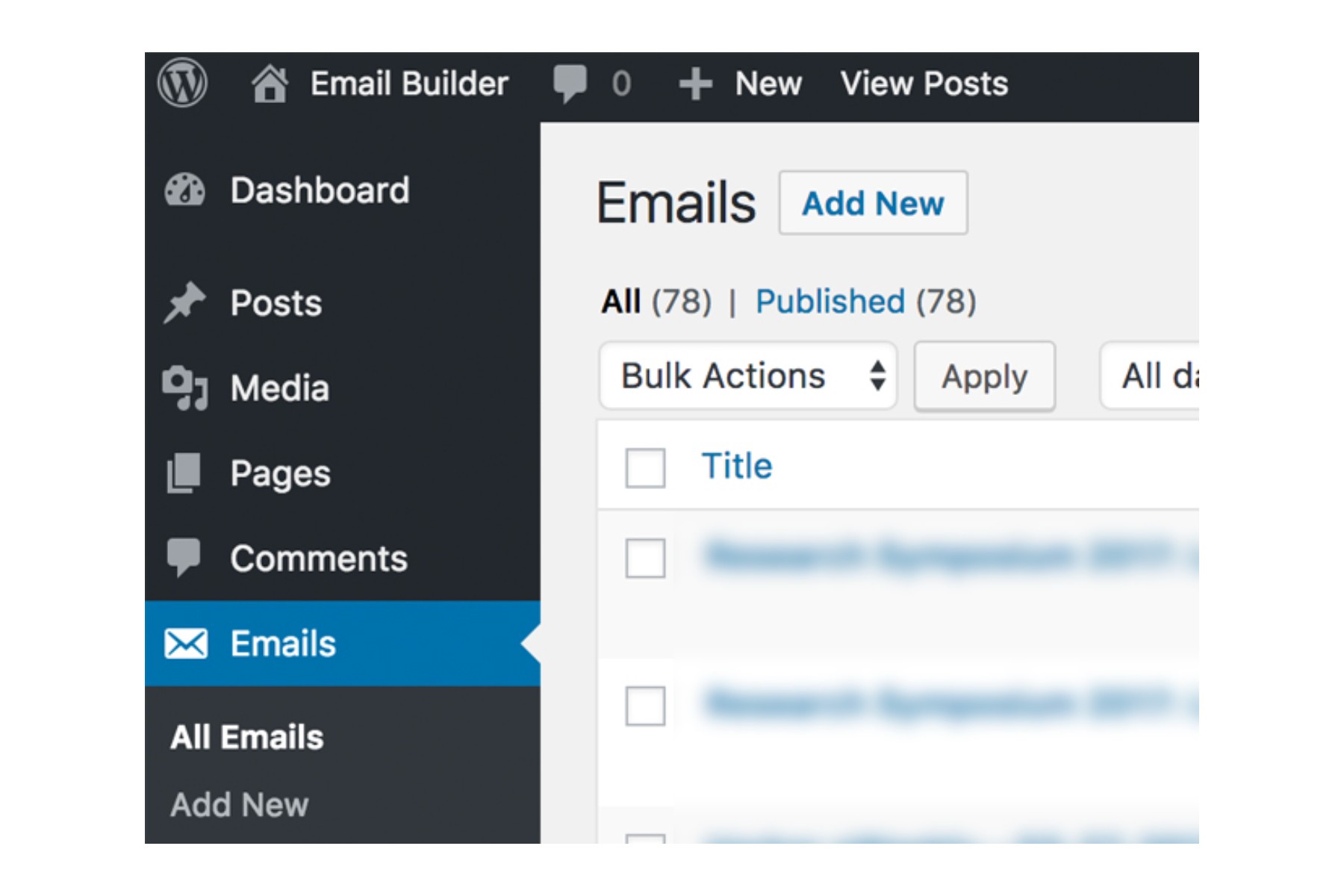 (full size)
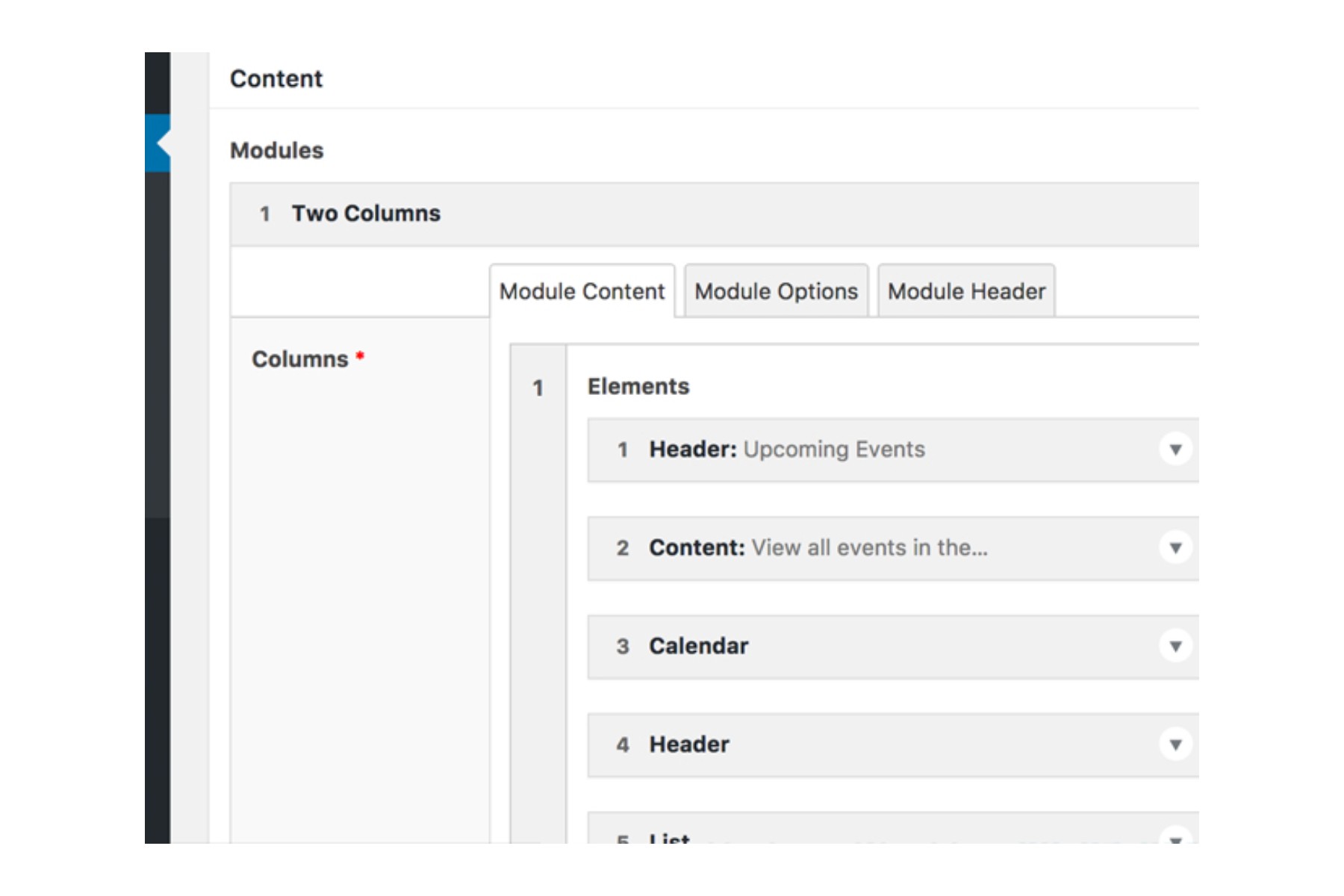 (full size)
The 2026 Archive
When I redesigned the archive in 2026, AI coding agents built it to my spec. It leads with what’s scheduled next, then a grid of email posters with category chips, a year filter and search. Live previews took more than seven seconds a tile, which was way too slow, so each email shows a saved image instead. Opening an email shows every audience version of it, like the parent, staff and subscriber versions of a concert announcement, along with its send details and a button that copies its HTML. I also added a preheader field that fills itself from each email’s opening lines, after an eWeekly reached inboxes showing a line of code as its preview text.
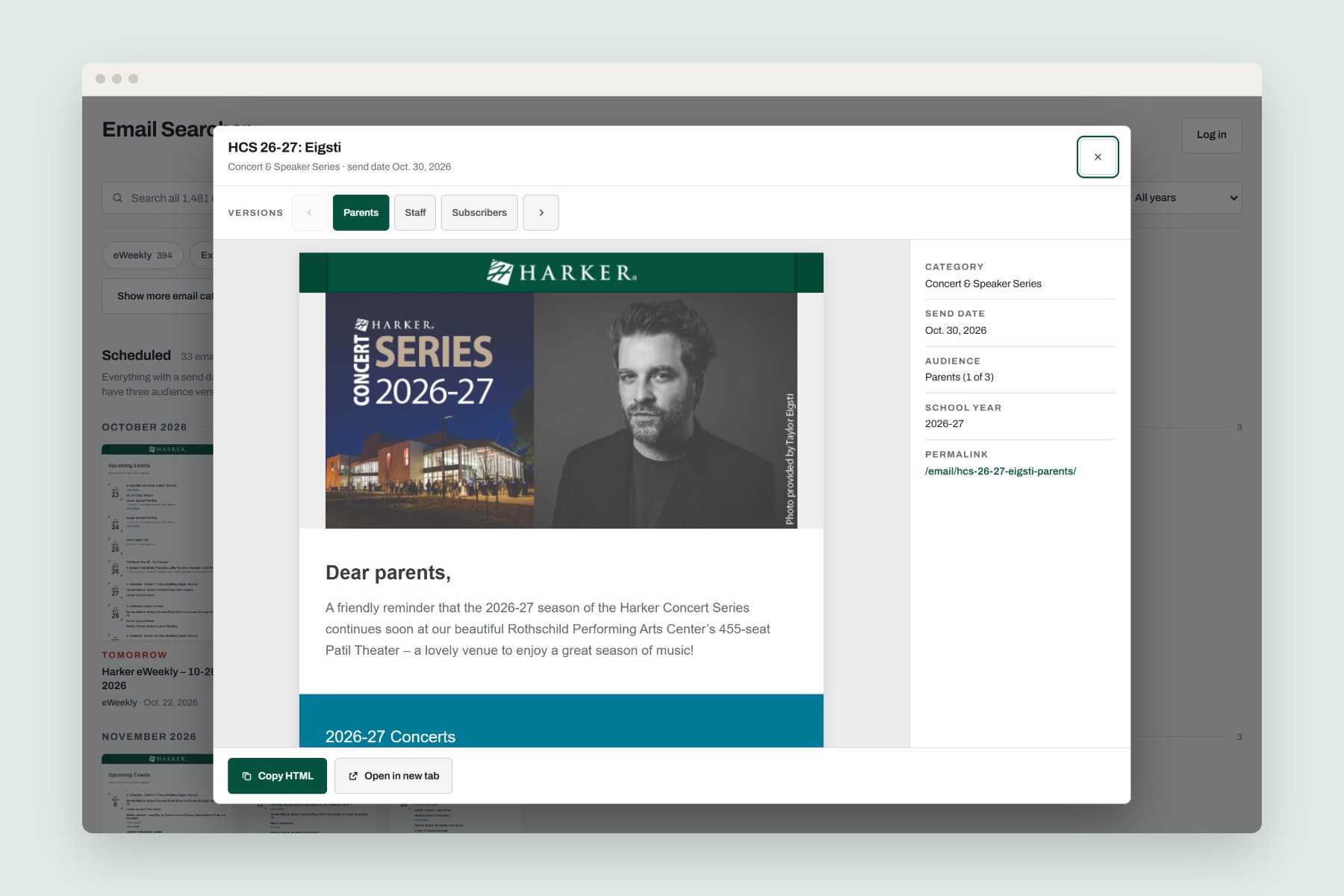 (full size)
Results
After the redesign, the first email shows up about halfway as far down the page on a phone, and keyboard users get to the posters in about a third of the tabs. Along the way, I also got rid of two old plugins with known security holes.